Home Registration Add Host Withdraw FAQs
Become Agent Become Host
Step-by-Step Guide

How to Register as a BoloUp Go Agent

Becoming an agent starts with setting up your BoloUp account correctly. Follow the registration process carefully.

1

Step 1 – Download BoloUp Go

First, install BoloUp Go from the Play Store or App Store
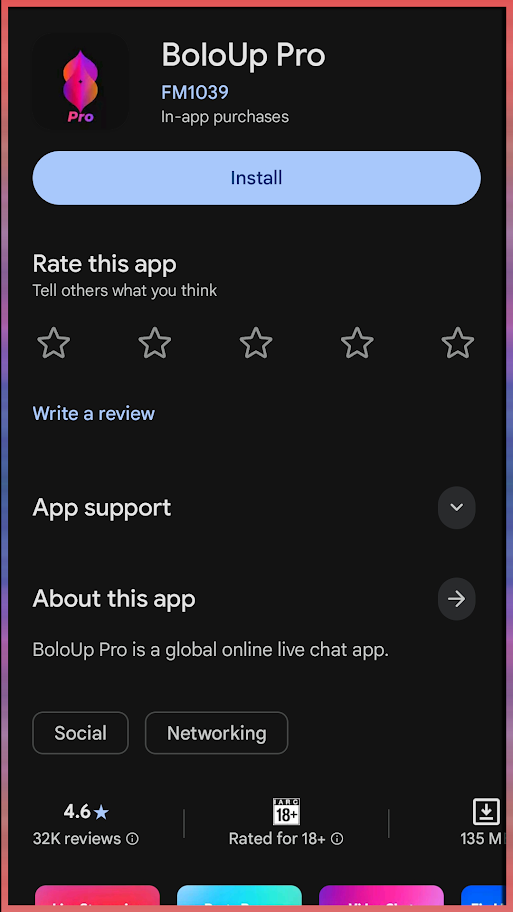
Step 1 – Download BoloUp Go
Zoom
2

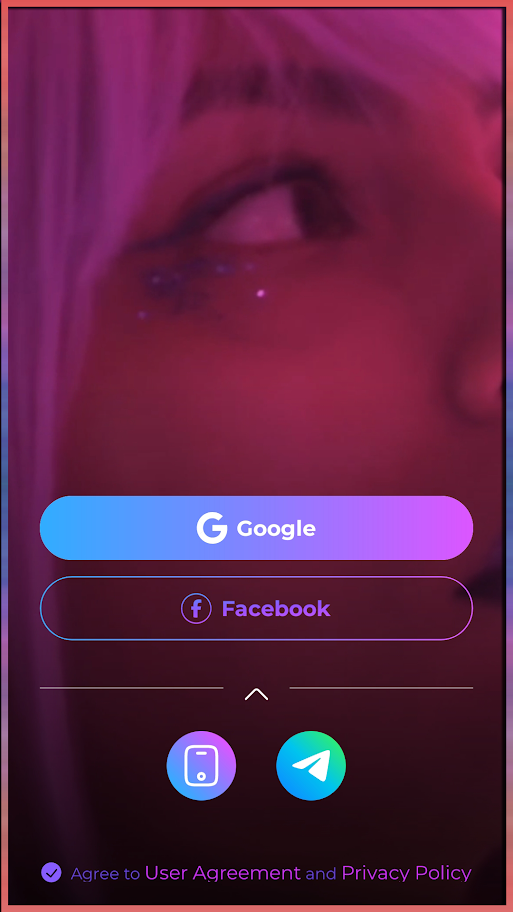
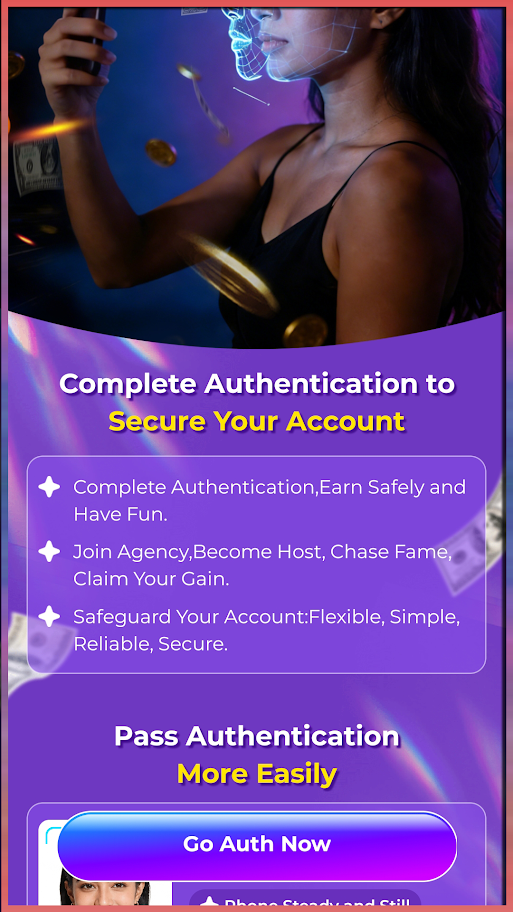
Step 2 – Register & Finish and Verification

Set up your account information and complete face verification when required.
Step 2 – Register & Finish and Verification
Zoom
3

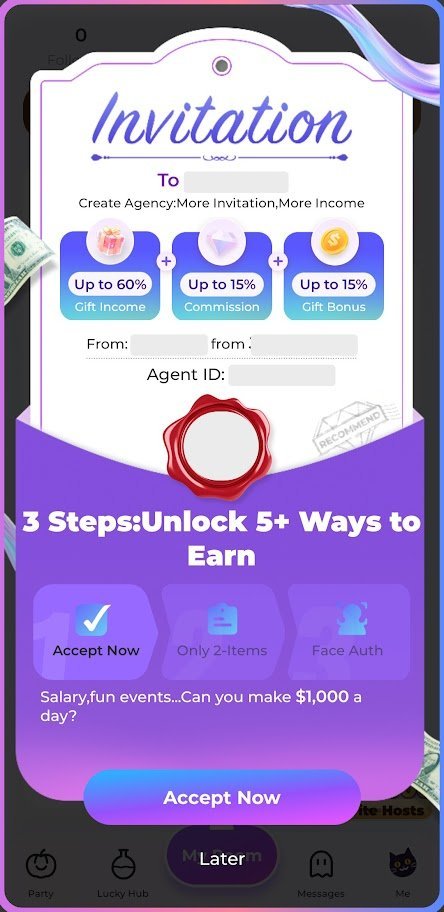
Step 3 – Open Your Agency Registration Invitation

Then, you must use the agency registration link provided right here and check the invitation inside BoloUp.
Step 3 – Open Your Agency Registration Invitation
Zoom
4

Step 4 – Accept the Agency Invitation

Review the agency information and add your agency details once you accept the invite.
Step 4 – Accept the Agency Invitation
Zoom
Host Management

How to Add Hosts to Your BoloUp Go Agency

Hosts are the heart of your agency. BoloUp Go gives agents more than one way to invite new hosts, making it easier to grow a team that fits your goals.

1

Step 1 – Open My Agency

Go to your profile and tap My Agency to enter your Agent dashboard.

2

Step 2 – Choose Host Invite (Link)

Select Host Invite (Link) to generate an invitation for potential Hosts.

3

Step 3 – Copy Your Invitation Link

Copy the link provided by BoloUp Go and share it with potential hosts

4

Step 4 – Invite a Specific Host by ID

For a direct invitation, choose Host Invite (ID) instead.

5

Step 5 – Enter the Host Details

Add the Host ID and verification code provided by the Host, check that the information is correct, and submit the invitation.
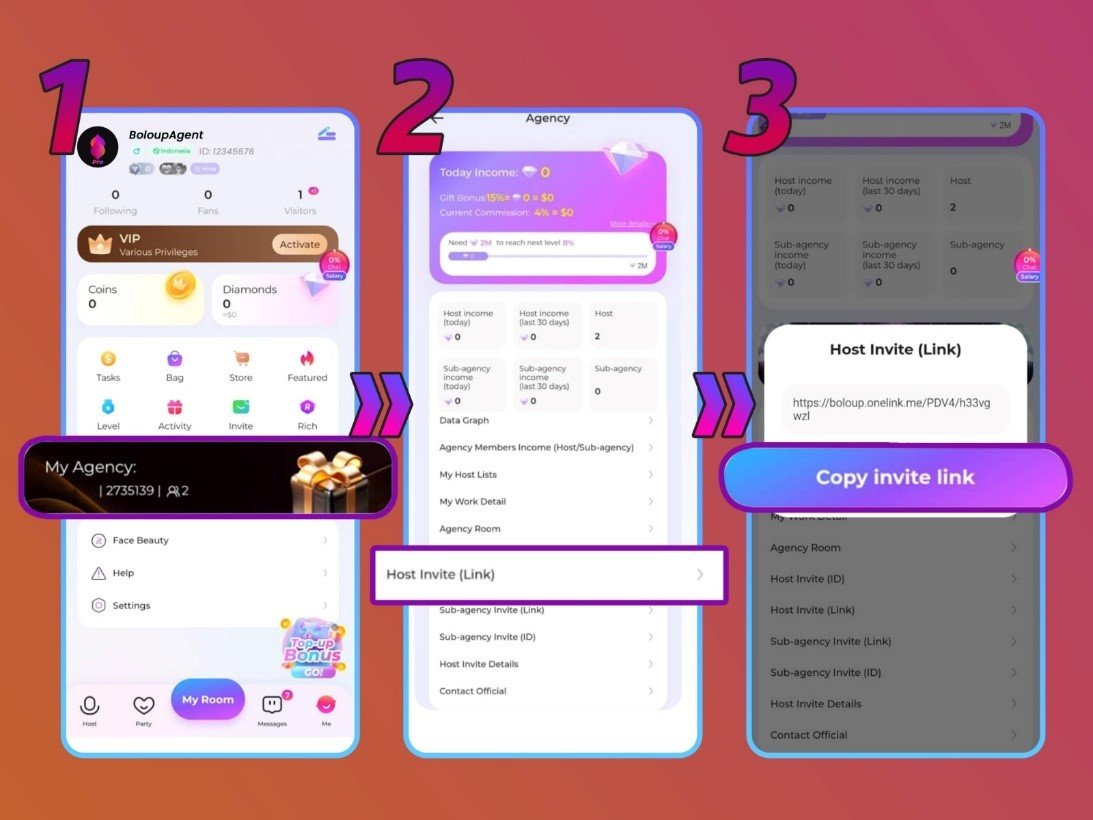
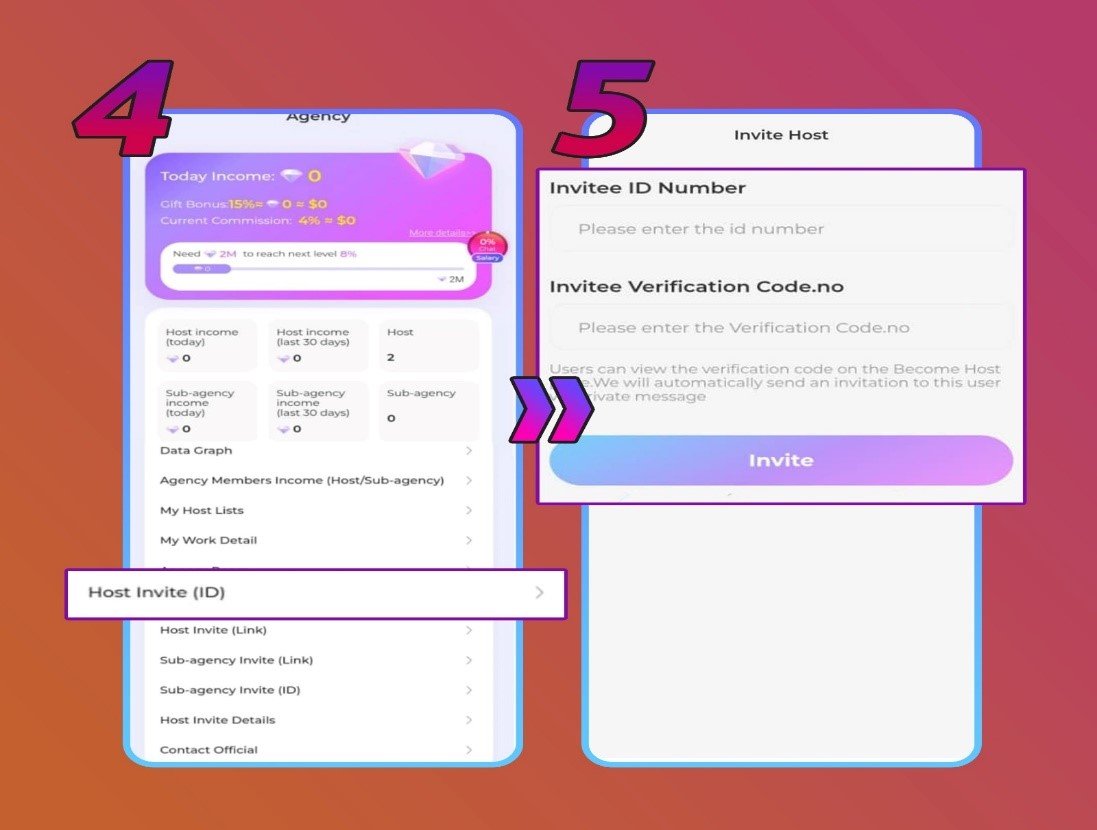
Host Invitation Methods

Host Invite Link and ID Options in BoloUp Go

Host Management Interface

Host Management and Agency Verification in BoloUp Go
Earnings & Payouts

How to Withdraw Your BoloUp Go Agent Earnings

Once your balance reaches the required withdrawal level, you can set up a payout method and request your earnings directly from the app.
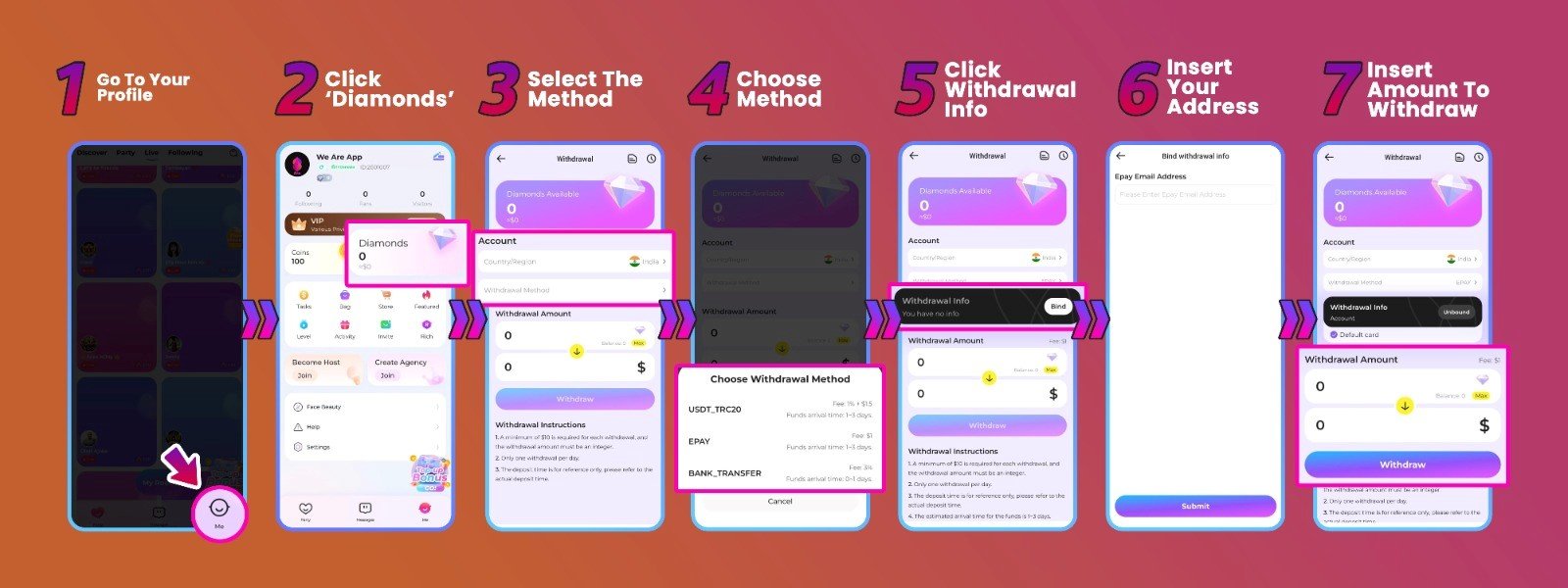
Diamonds and Withdrawal Options Screen in BoloUp Go
Step 1

Step 1 – Go to Your Profile

Open BoloUp Go and enter your profile page.

Step 2

Step 2 – Open Diamonds

Tap Diamonds to view your available balance and withdrawal options.

Step 3

Step 3 – Select Withdraw Method

Choose Withdraw Method to see the payout options currently available for your region.

Step 4

Step 4 – Choose Your Payment Option

Select your preferred available payout method, such as bank transfer, e-wallet, Payoneer, or USDT where supported.

Step 5

Step 5 – Add Your Withdrawal Information

Open Withdrawal Info and enter your payment details carefully.

Step 6

Step 6 – Enter the Withdrawal Amount

Choose the amount you want to withdraw and make sure your balance meets the current minimum requirement.

Step 7

Step 7 – Confirm the Withdrawal

Review your payment details and amount, then tap Withdraw to submit your request.

Agency Advantages

Why Become a BoloUp Go Agent?

Being an agent is about more than recruiting names to a list. It gives you a way to build a team, support hosts, and grow through the performance of the team you manage.

Build Your Own Host Team

Recruit hosts that match your agency goals and create a network you can grow over time.

Support Host Development

Help hosts stay active, understand the platform, and improve how they engage with their audience.

Create Team-Based Earning Opportunities

Agent earnings can be connected to eligible host and agency activity, giving you an incentive to build an active and sustainable team.
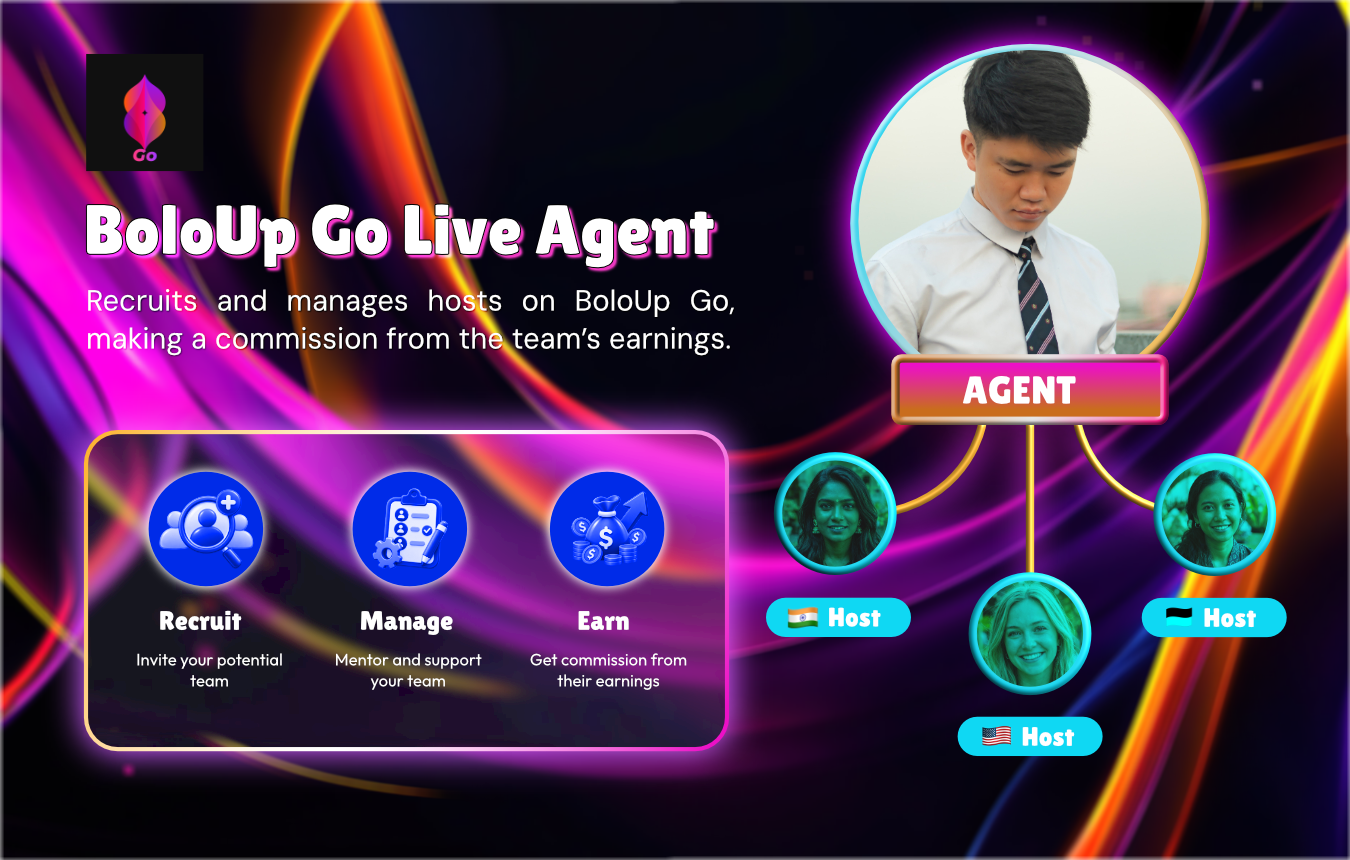
BoloUp Agent Role
BoloUp Agent Role & Team Ecosystem
Common Questions

BoloUp Go Agent Tutorial FAQs

A BoloUp Go agent recruits hosts, manages an agency team, supports host development, and helps keep the team active.
Open My Agency and use either Host Invite (Link) or Host Invite (ID). The link option is useful for sharing invitations, while the ID option lets you invite a specific host directly.
A host generally needs to leave their current agency before they can join another one. Make sure their agency status is clear before sending a new invitation.
Go to Profile → Diamonds → Withdraw Method, choose an available payout method, add your withdrawal information, and submit the amount you want to withdraw.
No. Available withdrawal methods can vary depending on your location, so always check the options displayed in your BoloUp Go account before setting up a payout.

From New Agent to Growing and Earning Agency

Use this BoloUp Go Agent Tutorial as your starting point, learn the tools, build your host network, and manage your agency with more confidence.

Become a BoloUp Go Agent